Product Update: Frozen Wallet Pages Now Tell You Everything at a Glance
Every frozen-wallet page in the explorer now shows a clear current-status badge, a lost-funds warning, clickable risk tags, a shareable PDF, and an FAQ — no more piecing it together yourself.
Product Update: Frozen Wallet Pages Now Tell You Everything at a Glance
Our explorer wallet pages already had the deepest freeze-event history of anyone in this space. They just made you dig for it. That's fixed.
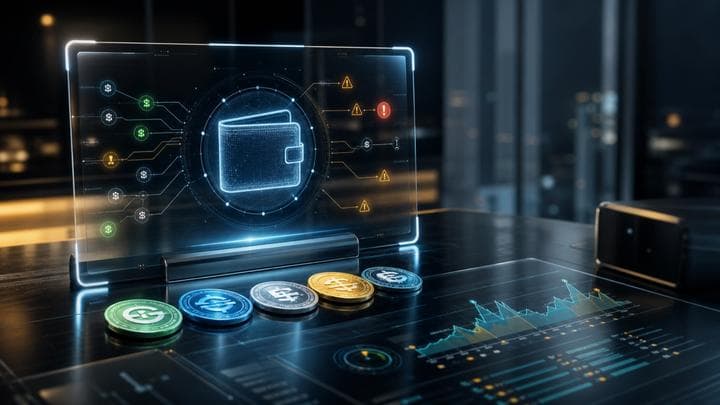
Every wallet page in the explorer now leads with a plain answer, not a data dump:
- A clear status badge for each tracked asset — currently frozen, released, funds destroyed, or never frozen — right at the top.
- A lost-funds warning when a wallet is blacklisted, so you don't accidentally send an issuer-controlled asset into a wallet that can never move it again.
- Clickable risk tags — sanctioned, mixer-exposure, previously-frozen — that take you straight to an explanation of what that risk actually means.
- A "no suspicious exposure found" banner for wallets that come back clean, instead of making you infer it from a lack of red flags.
- A public PDF summary you can download and share with anyone, even if they don't have a FreezeRadar account.
- A share button and a dynamic FAQ answering the three questions people actually ask about a frozen wallet.
Check a wallet before you act
Run a FreezeRadar scan for issuer-freeze signals, sanctions exposure, counterparty risk, and freezeable asset sensitivity before moving funds.
What this means for you
- You can tell a wallet's status in one glance instead of reading through the event log.
- The PDF is free for anyone — a quick, citable summary you can hand to a counterparty or a colleague.
- Nothing about how freeze data is collected changed — this is entirely about making what we already track easier to read.
No action needed — every explorer wallet page already looks like this.
Related reading
Continue exploring FreezeRadar knowledge content.

On this page
Get posts like this by email
A daily or weekly digest of FreezeRadar freeze activity.
By FreezeRadar Team
Research and product team behind FreezeRadar.